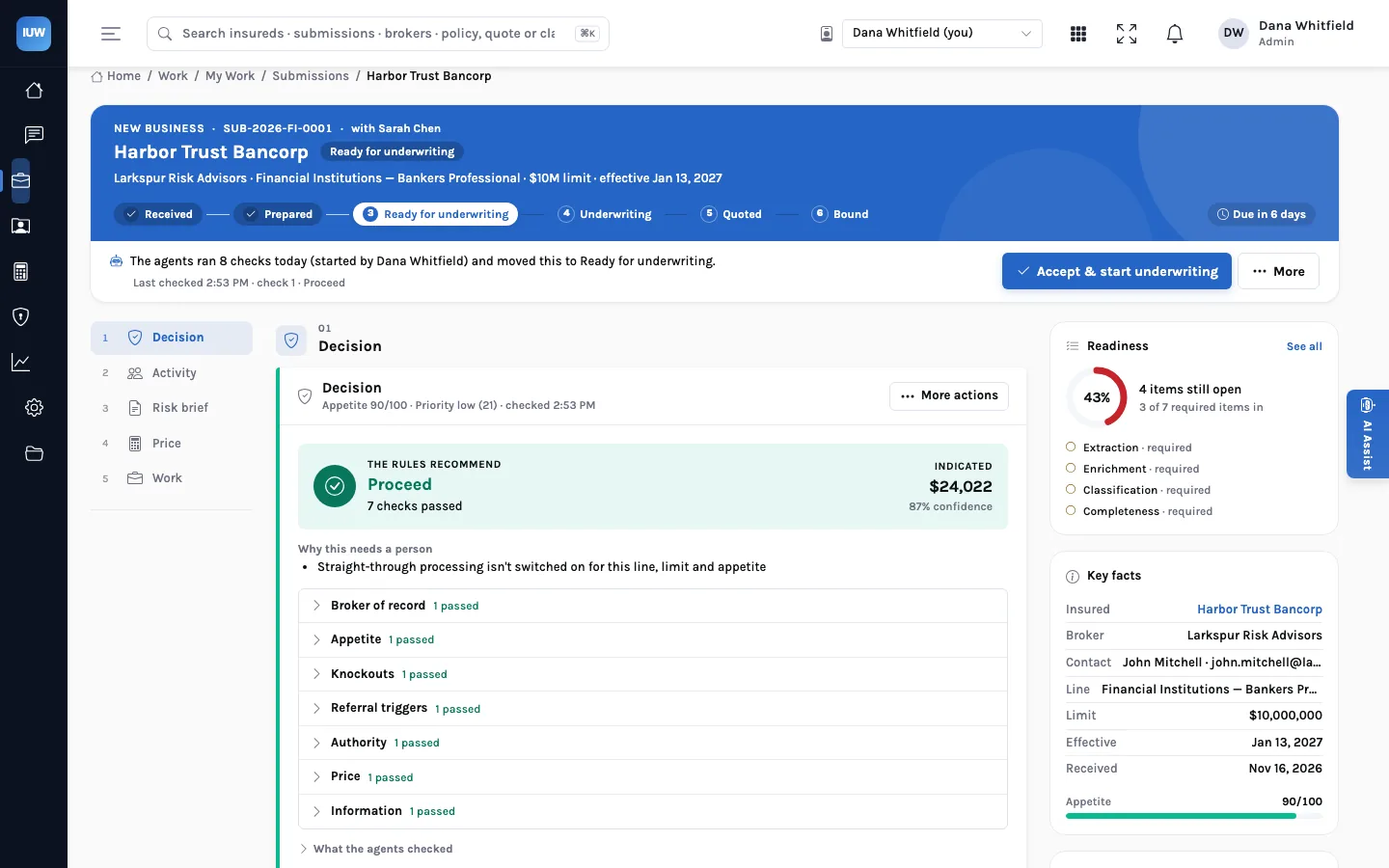
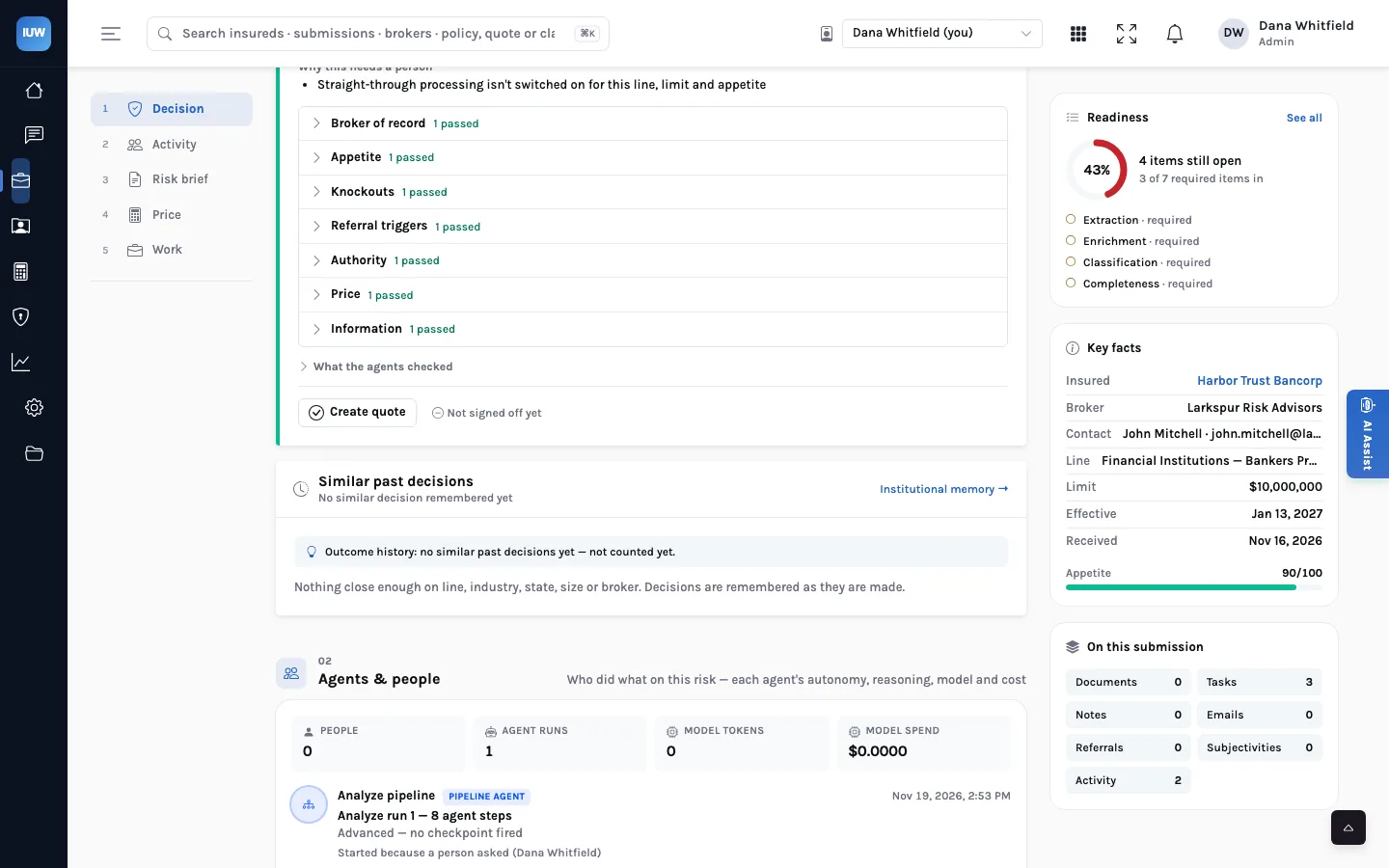
Every carrier has an underwriting guidelines manual, and every manual mixes several kinds of instruction: what we want, what we never write, when to ask a manager, who may sign what, and what to double-check. A rules engine needs those separated. This guide is a method for doing that, and shows where InsightUW's Rules Studio fits.
In short
- Sort each sentence by what it does: appetite, knockout (decline), referral, authority, or a checkpoint.
- Write each as a condition on a field the system actually holds, with a value of the right type.
- Test before publishing: run the draft against real submissions and see what it would change.
- Keep the source: every rule should point back to the sentence it came from.
Step 1: sort the sentences
Go through the manual one sentence at a time and ask what it makes the system do.
| If the sentence says… | It is a… | In InsightUW |
|---|---|---|
| what you want to write, and how much | appetite rule | Appetite & guidelines; the appetite step and checkpoint |
| what you never write | knockout | Decline (knockout) rules; a person confirms every decline |
| when a manager must look | referral trigger | Referral rules; the authority checkpoint |
| who may sign what | authority grant | Authority, per person and line (not a rule) |
| what to double-check | checkpoint condition | Checkpoint rules: information, price, send and others |
| how work moves | routing rule | Work routing and email routing rules |
Step 2: write each as a condition
A rule is a condition on fields plus an action. “Prior loss over $250K” becomes a comparison on a loss field; “community banks” becomes an institution type and an asset band. Two habits help:
- Use fields you actually capture. A rule on a field nobody fills in never fires, and looks like it is working.
- Prefer one condition per rule. Several small rules are easier to test, explain and switch off than one long one.
Step 3: put them in Rules Studio
Rules Studio is where InsightUW's pipeline rules live. Its page shows how many rules there are, how many rule types are in use, drafts waiting to publish and hits in the last 30 days, then a card per rule type with its count: appetite, decline (knockout), checkpoint, facultative and TRIA, subjectivity resolution, broker of record, exposure change, claims priority, work routing, email routing, clearance, referral, straight-through and endorsement compliance.
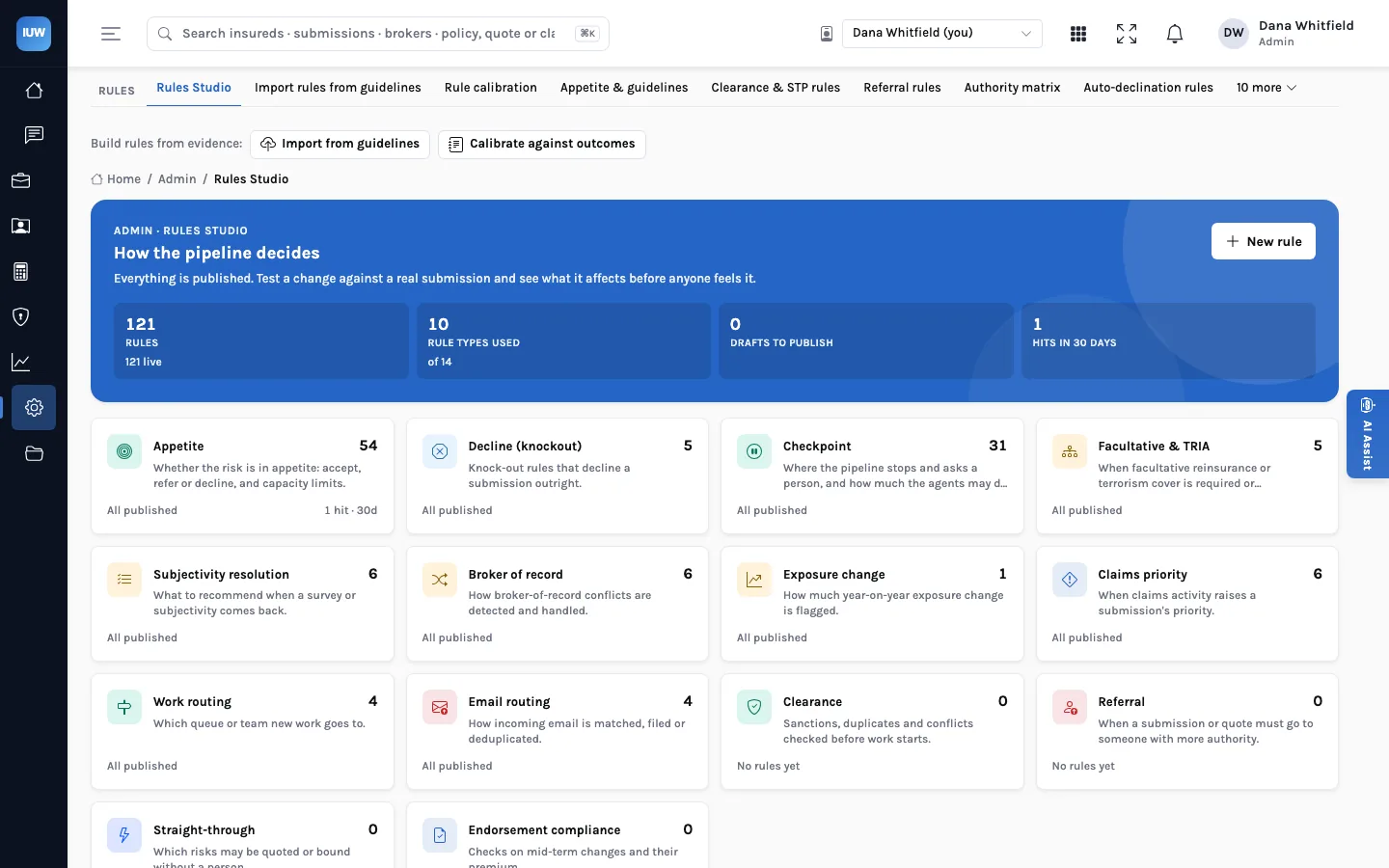
Rules Studio's own heading sets the principle: test a change against a real submission and see what it affects before anyone feels it. A new rule starts as a draft, is tested, shows its impact on existing submissions, and only then is published.
What a rule is made of
Every rule in the Studio has the same parts, whichever type it is:
| Part | What it holds |
|---|---|
| Scope | Which lines (and other dimensions) the rule applies to; outside its scope it doesn't run |
| Condition | Comparisons on fields, grouped as all, any or not |
| Effect | What the rule does when the condition holds: decline, refer, block, warn and so on, with a message |
| Severity and priority | Info, warn, high or critical; and a number that orders rules of the same type |
| Dates, owner, tags | When the rule takes effect and stops, who answers for it, and labels for finding it |
Testing, impact and publishing
A draft can be tested against any one submission. The result says what the rule would do (passes, refers, declines, warns) and why, comparison by comparison, with the submission's actual values. Two other outcomes are worth looking for: doesn't apply, when the submission is outside the rule's scope, and needs data, when the submission has no value for a field the rule tests. A rule that needs data on most of your submissions is testing a field you don't capture.
Impact runs the draft over every open submission and reports how many it matches, broken down by line and stage, how many it can't decide for lack of data, and a sample of each. Both test and impact only read; nothing changes until the rule is published.
Publishing creates a numbered version with an optional note, and the change is audited with a field-by-field diff. A published rule that is being edited keeps running as it was until the new draft is published, so nobody's submissions change mid-edit. Any earlier version can be restored (which publishes it again as a new version), and a rule no longer wanted is retired rather than deleted.
Step 4: let the model draft, but check every one
Rules Studio can also import rules from guidelines. Upload the manual (PDF, Word or text); a language model reads it page by page and proposes candidate rules in the engine's own grammar. Each candidate is validated before anyone sees it: its condition must parse against the fields and comparisons the engine supports, and its quoted source sentence must appear, verbatim, on the page it cites. A candidate whose quote can't be found can't be accepted. Candidates are compared with published rules (duplicate, conflict, overlap), and accepting one only creates a draft.
No model, no imported rules
The import needs a configured language model. Without one it says so and proposes nothing: there is no rule-of-thumb stand-in, because a rule invented without the manual would be worse than none. Rules can always be written by hand.
Step 5: roll out carefully
- 1Start with knockouts and referralsunderwriting ops
They are the easiest to state exactly and the costliest to miss.
- 2Test on submissions you knowunderwriting ops
Test a new knockout against past submissions you remember well, one at a time, and check its impact on open work before publishing.
- 3Publish one line at a timehead of underwriting
Scope rules by line, and watch the 30-day hits on the Rules Studio page.
- 4Keep autonomy low at firsthead of underwriting
New rules feed recommendations; with agents at L2 a person still answers every prepared decision.
- 5Review disagreementsmanagers
When underwriters keep changing a recommendation, the rule or its threshold is usually wrong.
Forty pages, sixty rules
The fictional Harborline Specialty's management liability manual runs to forty pages. Its operations lead sorts it into appetite statements, knockouts, referral triggers and authority. Authority becomes grants on the Authority page; the rest becomes about sixty draft rules. She tests the knockouts first against the last quarter's submissions, finds one that would have declined a class the team actually writes, fixes its wording with the head of underwriting, and publishes the set for one line before the others.
Reviewing imported candidates
Each candidate from the import arrives in one of three states. Valid: the condition parses and the quote was found on the cited page. Flagged: it parses, but the quote was found on a different page, or the candidate repeats or contradicts a published rule or another candidate. Invalid: the condition doesn't parse or the quote can't be found anywhere in the manual, and it can't be accepted. The import sorts what it finds into appetite, referral triggers, decline conditions, limit or authority statements (which become referral rules) and required information. Grants themselves still belong on the Authority page.
A checklist before you publish a rule
- Can you point to the sentence in the manual it came from?
- Is it scoped to the lines the sentence is about, and no wider?
- Does every field it tests have a value on most submissions for that line?
- Have you tested it on one submission it should catch and one it shouldn't?
- Does the impact on open work match what the head of underwriting expects?
Questions buyers ask
Does a model ever publish a rule?
No. Accepting an imported candidate creates a draft, and a person publishes it through the same test and impact steps as any other rule.
Screens show a local InsightUW workspace with made-up insureds, brokers and underwriters. Nothing here is a statement about any real company's risk.